
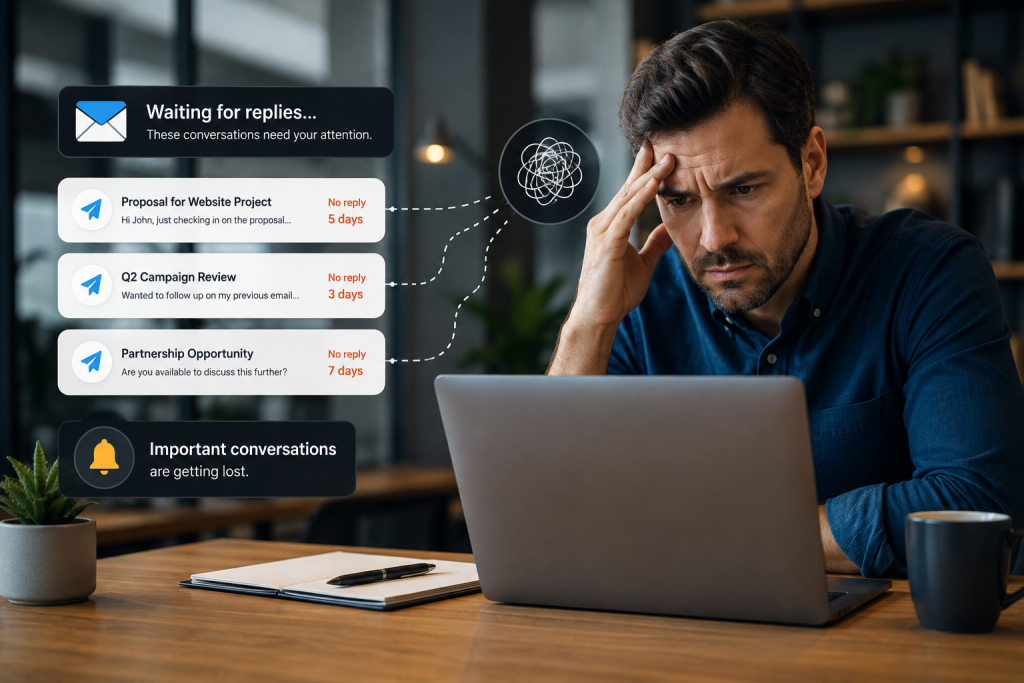
A consultant sends a proposal on Monday. A client says the team will review it. A vendor still needs to confirm a delivery date. A colleague owes an answer before another task can move forward.
None of those conversations is new.
That is exactly why they are easy to miss.
Email systems are very good at showing people what just arrived. They are much less effective at showing what should have happened but did not. Once a message is sent, the conversation may disappear from immediate attention even when the underlying business issue is still open.
For professionals managing many active conversations, waiting for replies creates invisible work. The sender has completed the immediate action, so there is nothing obvious to do. Yet someone still has to remember that the conversation is unfinished.
Smarter AI email notifications can help address the broader visibility problem, but the first step is understanding why traditional inbox habits make unanswered communication so easy to lose.
Sent Email Quickly Becomes Invisible Work
Most inboxes are organized around incoming activity.
New messages appear near the top. Unread counts create visible signals. Recent threads stay noticeable because people keep replying to them.
Sent email behaves differently.
Once a message leaves the inbox, there may be no new signal until another person responds. From the email system’s perspective, the message was successfully sent. From the business’s perspective, the work may still be unfinished.
A proposal may need a decision. A client request may be waiting for approval. An internal question may block a project. A vendor confirmation may determine whether a deadline can be met.
This creates a gap between message status and workflow status.
People usually fill that gap with memory. That works when only a few conversations matter. It becomes much less dependable when someone is managing customers, prospects, vendors, projects, and internal responsibilities at the same time.
The problem is not that email cannot send or receive messages.
The problem is that unfinished conversations become less visible precisely when nothing new is happening.
The Inbox Rewards Activity, Not Importance
A busy inbox naturally pulls attention toward whatever happened most recently.
A routine thread receives a reply and moves to the top. An automated notice arrives with a new timestamp. An internal discussion produces several messages and becomes highly visible.
Meanwhile, an important proposal with no response may remain untouched for days.
Chronological organization is useful, but arrival time is not the same thing as business importance. In some situations, a conversation becomes more important the longer nothing happens.
Consider three sales conversations. One prospect continues asking questions. Another clearly declines. The third says the proposal will be reviewed internally and then goes silent.
The first stays visible because new messages keep arriving. The second is complete because a decision has been made.
The third may be the easiest to forget even though the opportunity is still unresolved.
The same pattern affects client work, recruiting, operations, vendor coordination, and internal approvals.
An inbox can therefore look organized while important work remains quietly unfinished.
Unanswered Messages Create Hidden Operational Work
A forgotten follow-up rarely looks serious at first.
A response is delayed. Another priority appears. Someone plans to check again later. The conversation slips farther from view.
The cost appears when people eventually need to reconstruct what happened.
A project may wait because an approval was never revisited. A sales opportunity may remain inactive because nobody noticed the conversation had stalled. A supplier confirmation may be discovered only when a deadline is approaching. An internal request may remain unresolved because everyone assumes someone else is handling it.
Then the team starts searching.
Someone checks Sent mail. Another person looks through a CRM. A manager asks whether the customer replied. A colleague searches chat history to see whether the issue was handled elsewhere.
The organization spends time on the original communication and then spends more time discovering that the communication never reached a clear outcome.
That is why unanswered email is more than a personal productivity issue. When communication is connected to sales, customer service, projects, approvals, and operations, missing a reply can become a workflow problem.
Manual Follow-Up Systems Depend on Memory
People have created many ways to manage unanswered email.
They star messages, apply labels, flag threads, create calendar events, add tasks, leave messages unread, or maintain separate lists.
Each method can help.
The weakness is that the user usually has to recognize the importance of the conversation before it disappears.
Someone must decide that a message may require follow-up, create a reminder, choose when to revisit it, and understand the context again later.
That creates a second workflow around the original workflow.
The user is not only managing the email. The user is also managing the system designed to remember the email.
This becomes harder when the importance of a conversation is not obvious at the moment the message is sent. A routine question can become important later. A client may need approval from another department. A prospect may say, “I’ll discuss this with the team,” without giving a response date.
Static reminders can also preserve the task without preserving enough context.
A calendar note saying “follow up with client” may still require someone to reopen Gmail, locate the conversation, reread the thread, and determine what was actually pending.
The reminder helps people remember that something exists.
It does not always help them understand the current state of the conversation.
Waiting Is a Workflow State, Not an Inbox Status
Business communication has more states than read and unread.
A conversation may be:
- Waiting for the user to respond
- Waiting for another person
- Waiting for approval
- Waiting for information
- Waiting for a decision
- Complete
- No longer relevant
Those states describe what is happening in the work, not simply what is happening inside the inbox.
A project manager may have no unread email and still be waiting for several approvals. A salesperson may clear the inbox while multiple prospects remain undecided. A founder may answer every message while still depending on information from customers, vendors, employees, or partners.
An empty inbox does not necessarily mean communication is under control.
The waiting for replies problem is therefore better understood as a visibility problem around unfinished workflow states.
That distinction matters because the objective is not to keep every sent email visible forever. Most sent messages do not need another action.
The useful question is more selective:
Which important conversations have not reached an outcome yet?
That is a business question, not merely an inbox-management question.
More Notifications Will Not Fix the Problem
It may seem that unanswered email could be solved by adding more reminders.
But professionals already receive notifications from email, calendars, CRMs, project platforms, messaging tools, and other systems. More alerts do not automatically create better awareness.
A notification is useful only when it helps a person understand why something deserves attention.
A generic alert saying that an email was sent three days ago does not know whether a follow-up is appropriate. Some conversations need a response quickly. Others can remain open for weeks. Some messages never require a reply.
Context matters.
That is why useful AI assistance should focus on visibility before automatic action. The system should help people recognize communication that may still be unresolved and provide enough context for them to decide what to do.
This is also why automatic chasing is not the right default. Follow-up timing and wording can depend on the customer, relationship, urgency, and situation.
For business email, better awareness should support human judgment rather than replace it.
Important Conversations Should Not Disappear
The next generation of email productivity should not focus only on helping people process what arrives.
It also needs to account for what has not happened.
The approval that never came back. The prospect who has not made a decision. The client who still owes information. The vendor who has not confirmed the next step.
These situations are difficult because they create no new message to pull attention back to the conversation.
Surgy’s AI Email direction is Gmail-first: help users add intelligence around an existing email workflow rather than replace the tools they already use. As capabilities evolve during Early Access, the broader objective is to help surface important communication and possible next steps while keeping users in control.
The goal is not to automatically chase every unanswered message.
It is to make important unfinished communication easier to recognize before it disappears from attention.
Join Surgy Early Access to explore a more connected approach to email and business workflows.
FAQ
Why are emails waiting for replies easy to forget?
Emails waiting for replies are easy to forget because most inboxes emphasize new incoming activity. Once a message is sent, it may receive no new visible signal until the other person responds, leaving the sender responsible for remembering that the conversation is still unfinished.
Why are manual email follow-up reminders not always enough?
Manual reminders can help, but users must decide which conversations to track, create the reminder, choose when to revisit it, and remember the context later. As communication volume increases, maintaining that separate tracking system can become another source of work.
Can AI help identify unanswered email conversations?
AI can help evaluate supported email activity and potentially surface conversations that appear unresolved or may require additional attention. The exact capabilities depend on the product and, for Surgy, may continue to evolve during Early Access.
Does Surgy automatically send follow-up emails?
No. Surgy is designed around an approval-first model. AI can help identify important activity, prepare recommendations, or suggest possible next steps while users remain responsible for reviewing and approving actions.