
Email Automations
Email Automations That Turn Messages Into Workflows
Email is where business activity often begins. A customer asks a question. A client sends an approval. A prospect requests information. A vendor confirms a detail. An internal message creates another task.
The message itself is only one part of the work. Someone still needs to understand what happened, determine what comes next, and move the process forward.
Email automations can help connect those repeated steps into more consistent workflows. Surgy is designed to add intelligence around the tools businesses already use, including Gmail, while keeping users involved in important decisions.
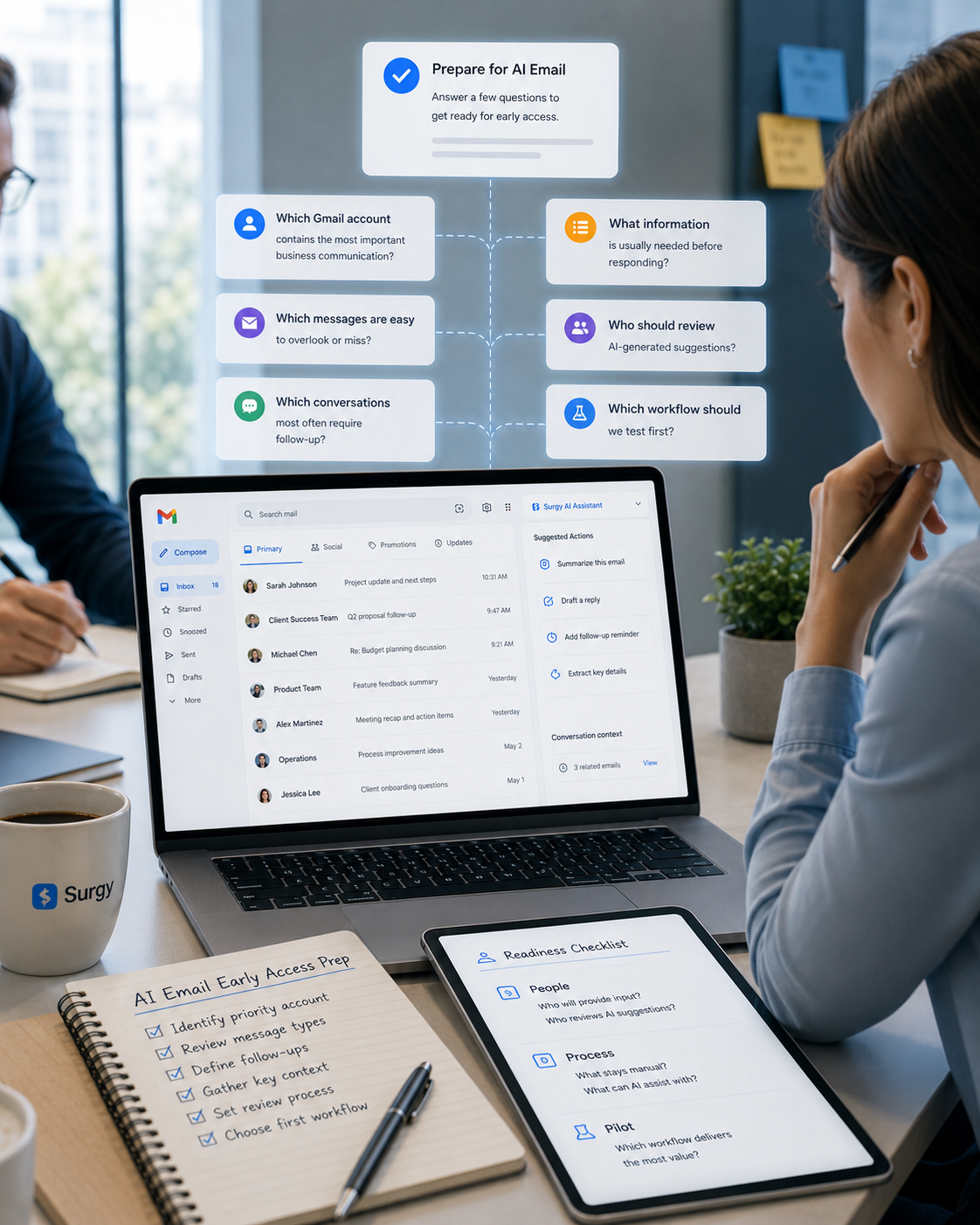
Keep your existing email workflow. Let AI help identify possible next steps. Review what happens before action is taken.

What Are Email Automations?
Email automations are repeatable workflows connected to email activity.
Instead of manually performing the same sequence of steps every time a similar message arrives, an automation can help create a more consistent process around that activity.
A basic workflow may involve:
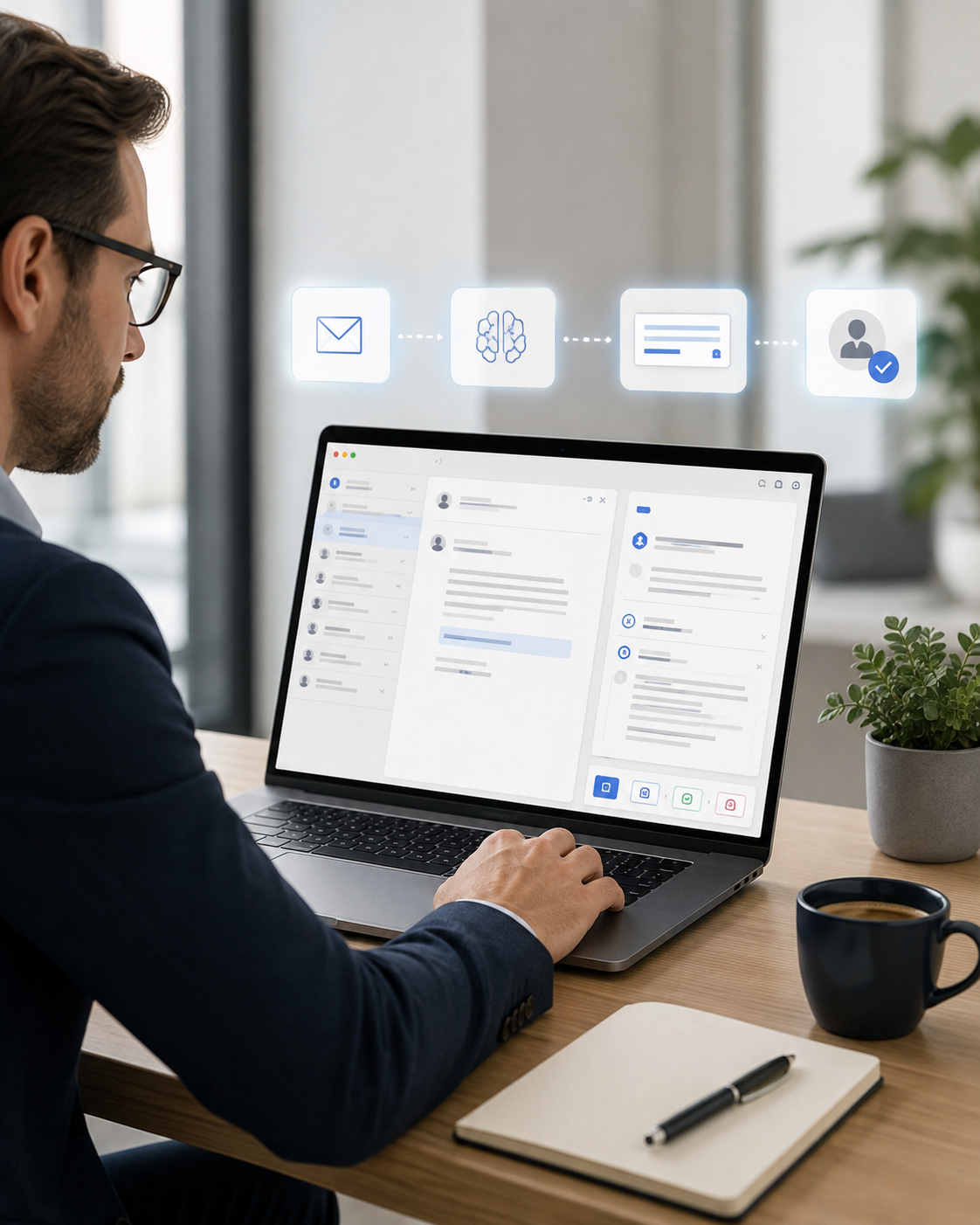
- An email event occurs.
- The message is reviewed or classified.
- A possible next step is identified.
- Relevant information is prepared.
- The user reviews what should happen.
- An approved action moves the workflow forward.
The purpose is not simply to send automatic emails.
Email automation can involve the broader work created by email: reviewing information, identifying tasks, preparing responses, connecting activity with other systems, and helping users move from communication to action.
Why Email Creates So Much Manual Work
An inbox contains more than messages.
It contains work disguised as messages.
A single email may create a request, decision, task, customer issue, sales opportunity, project update, approval, or operational dependency.
Without a connected workflow, users often need to perform several steps manually.
They read the message, determine what it means, decide whether it matters, find related information, switch to another system, complete a task, and then return to email.
When this happens repeatedly, the problem is not necessarily the individual email.
It is the repeated process surrounding the email.
Email automations are designed to help reduce that repetitive coordination while preserving human oversight where it matters.
How AI Can Support Email Workflows
Traditional automation usually starts with a rigid trigger.
If a specific condition occurs, perform a specific action.
AI adds another layer: the ability to help interpret supported context before determining what may need to happen next.
Identify Relevant Email Activity
Not every message should begin a workflow. AI can help evaluate supported email activity and identify messages that appear related to requests, decisions, opportunities, tasks, or other useful business categories.
Understand the Context
The next step often depends on what the message actually means. AI can help analyze supported message context so workflow recommendations are not based entirely on a single keyword or sender.
Prepare the Next Step
Surgy is designed to identify opportunities, draft responses, prepare actions, and recommend next steps. This can help move email activity closer to execution without requiring users to start every process manually.
Keep Approval in the Workflow
Surgy follows an approval-first model. AI recommendations can be presented for review before action is taken. The user maintains visibility into what the system is proposing and decides what should move forward. Automation should reduce repetitive work without removing accountability.
Where Email Automations Can Be Useful
Client and Agency Workflows
Client email can create approvals, revision requests, questions, asset requests, and project decisions. A repeatable workflow can help make those messages easier to identify and move into the appropriate next step.
Sales Workflows
Sales communication can create follow-up tasks, information requests, proposal discussions, and other actions. Connecting email activity with a broader sales process can reduce the need to manually move information between separate systems.
Customer Communication
Customer messages may contain questions, problems, requests, or important updates. AI-assisted workflows can help identify relevant communication and prepare the next appropriate action for review.
Internal Operations
Email often carries approvals, assignments, updates, and decisions between teams. Repeatable workflows can help turn that communication into clearer operational activity rather than leaving every next step dependent on memory.
Email Automations vs. Smart Email Rules
Smart Email Rules and Email Automations work at different stages of the process.
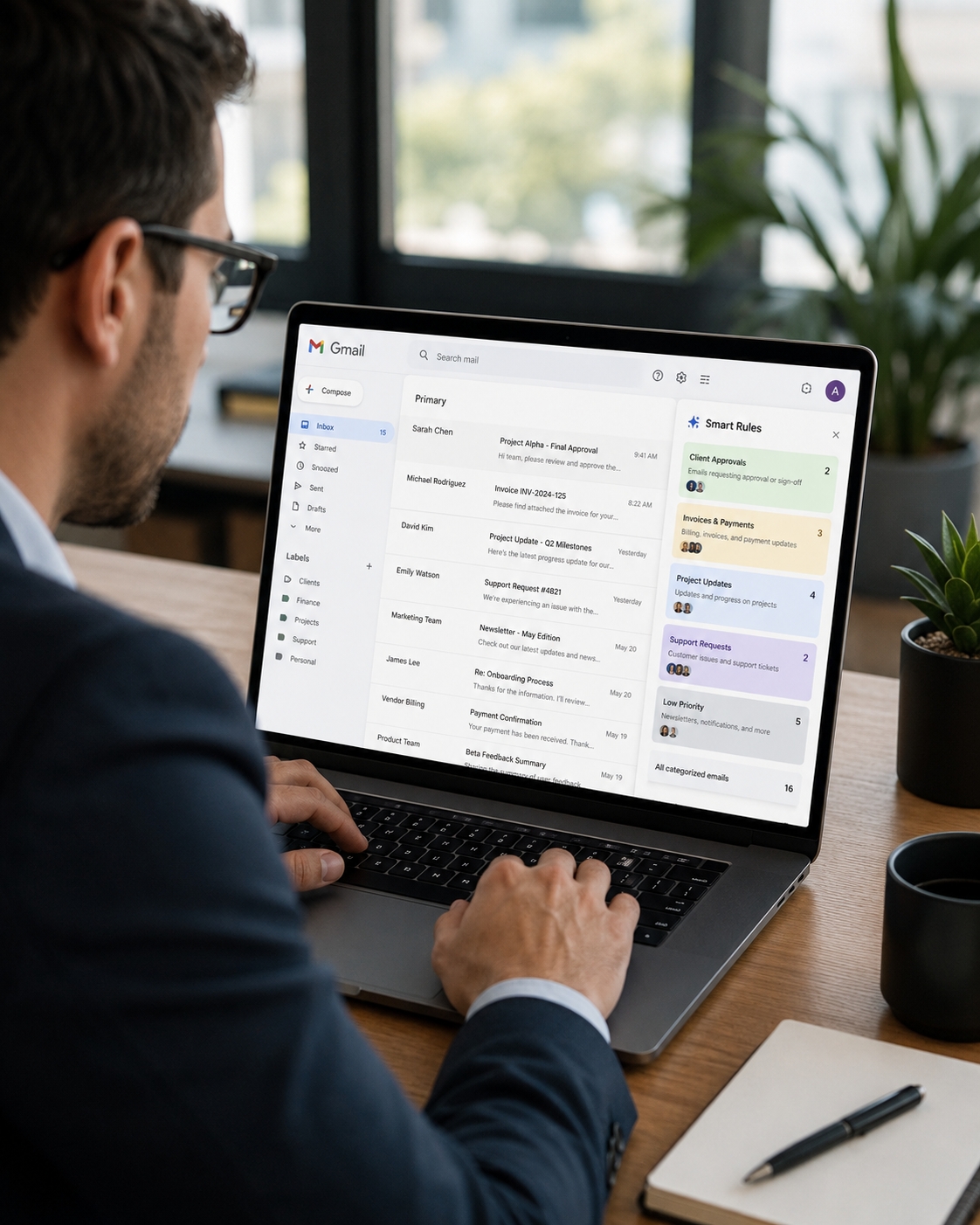
A smart email rule helps understand, categorize, prioritize, or surface a message.
An email automation helps define what workflow may happen after relevant activity has been identified.
The distinction matters. Better classification can inform better automation, but identifying an email and executing a workflow are not the same task.
| Smart Email Rules | Email Automations |
|---|---|
| Interpret email context | Support repeatable workflows |
| Help classify or prioritize activity | Help move identified activity toward a next step |
| Focus on understanding the message | Focus on the process created by the message |
| Answer “What is this?” | Answer “What should happen next?” |
Email Automations vs. AI Email Automation
Surgy’s broader AI Email Automation topic addresses the overall use of artificial intelligence to make email work more efficient.
This Email Automations page has a narrower purpose.
It focuses on the practical workflow layer: the repeatable processes that can begin when relevant email activity is identified.
That includes understanding how email can connect with tasks, recommendations, approvals, and other supported business processes.
The distinction helps users explore both the broader AI email automation category and the specific workflow patterns that make automation useful in day-to-day work.

Connect Email With the Rest of the Business
Email workflows become more useful when they do not stop at the inbox.
A customer email may relate to a CRM record. A client request may connect to a project. A payment question may involve accounting information. A sales message may be connected to a broader opportunity.
Surgy is designed as a connected AI operating layer across the systems businesses already use.
That means email can become part of a broader workflow rather than remaining isolated inside Gmail.
The objective is not to force every process into one new application.
It is to help the tools already supporting the business work together more intelligently.

Automate Repetition Without Losing Oversight
Not every email process should run without review.
Business communication can involve customers, pricing, commitments, sensitive information, internal decisions, and financial activity.
Surgy’s approval-first model is designed to keep people involved.
AI can help identify relevant activity, prepare actions, and recommend next steps.
Users decide what gets approved.
That approach allows businesses to benefit from automation while maintaining visibility over important decisions and external communication.
Turn Repeated Email Tasks Into Smarter Workflows
Email should not require the same manual process every time a familiar type of work appears.
Surgy is being designed to connect email with a broader AI-powered operating layer so businesses can identify important activity, prepare next steps, and create more consistent workflows around the tools they already use.
Keep Gmail. Reduce repetitive coordination. Review AI recommendations before action.
Turn email activity into a workflow instead of another item to remember.
FAQ
What are email automations?
Email automations are repeatable workflows connected to email activity. They can help organize the steps that occur after a relevant message is identified, such as reviewing information, preparing a next step, or connecting email activity with another supported business process.
How can AI improve email automation?
AI can help evaluate supported email context before recommending what may need to happen next. This allows workflows to consider more than simple keywords or fixed triggers while keeping users involved in important decisions.
Are email automations the same as smart email rules?
No. Smart email rules focus primarily on understanding, categorizing, prioritizing, or surfacing messages. Email automations focus on the repeatable workflow that may follow after relevant activity has been identified.
Does Surgy automatically send emails without approval?
Surgy is designed around an approval-first model. The platform can help draft responses, prepare actions, and recommend next steps while allowing users to review and approve activity before execution.
Can email automations connect with other business tools?
Surgy is designed to connect email and other supported business systems within a broader AI-powered operating layer. Available integrations and individual workflow capabilities may continue to evolve during Early Access.
Does Surgy replace Gmail for email automation?
No. Surgy is designed to work with the systems businesses already use. Gmail can remain the place where email communication happens while Surgy adds intelligence and workflow support around connected activity.
Turn Email Into a Smarter Workflow
Reduce the repetitive work that happens after important messages arrive. Surgy is being developed to help identify relevant email activity, prepare possible next steps, and support repeatable workflows while keeping review and approval in your hands.
Join Early Access to explore how AI-assisted email workflows can work alongside Gmail and the business tools you already use.